


Only mp3 previews have watermarks on them. (Previews are a great way to audition tracks before committing to licensing them.)
Once you license a track, there is no watermark on it.
To license a track, add it to the cart (as a member, click on the "GET FREE" button)
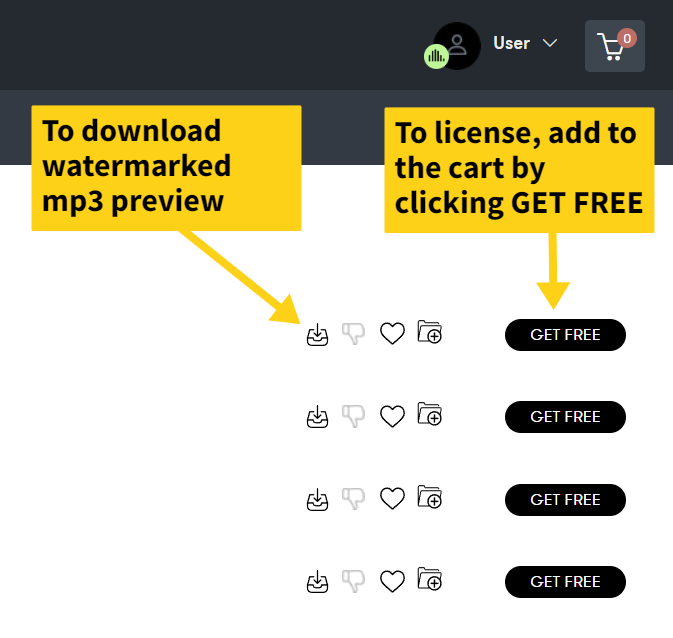
Then go to the Orders page to download the watermark-free WAV file.
If you don't see the GET FREE button, and you've recently upgraded your account, make sure to LOG OUT and then LOG IN again. This will refresh the browser so it knows your account has been upgraded, and you can freely start licensing tracks.
You will know your account has been upgraded when the green TuneReel badge appears as such: